
You can rename or delete any display theme that you created. You cannot rename or delete the predefined display themes.
To rename or delete a display theme
1. In the Perio Chart, click Setup, and then click Perio Display Setup.
The Perio Display Setup dialog box appears.
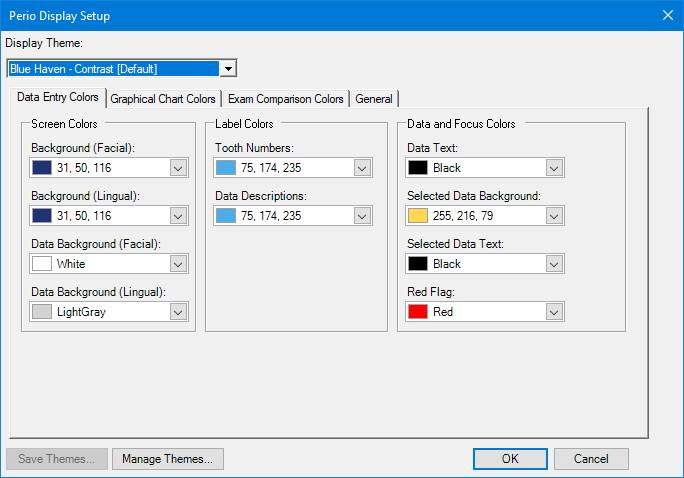
2. From the Display Theme list, select the theme that you want to rename or delete.
3. Click Manage Themes.
The Manage Saved Themes dialog box appears.
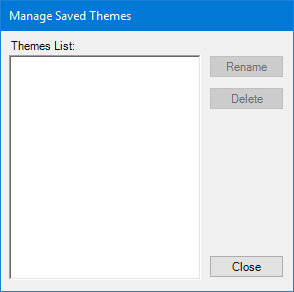
4. Select the theme that you want to rename or delete, and then click Rename or Delete, respectively.
If you clicked Rename, type the new name.
If you clicked Delete, a message appears. Click Yes.
5. To accept the changes you made, click Close.